 By logical dot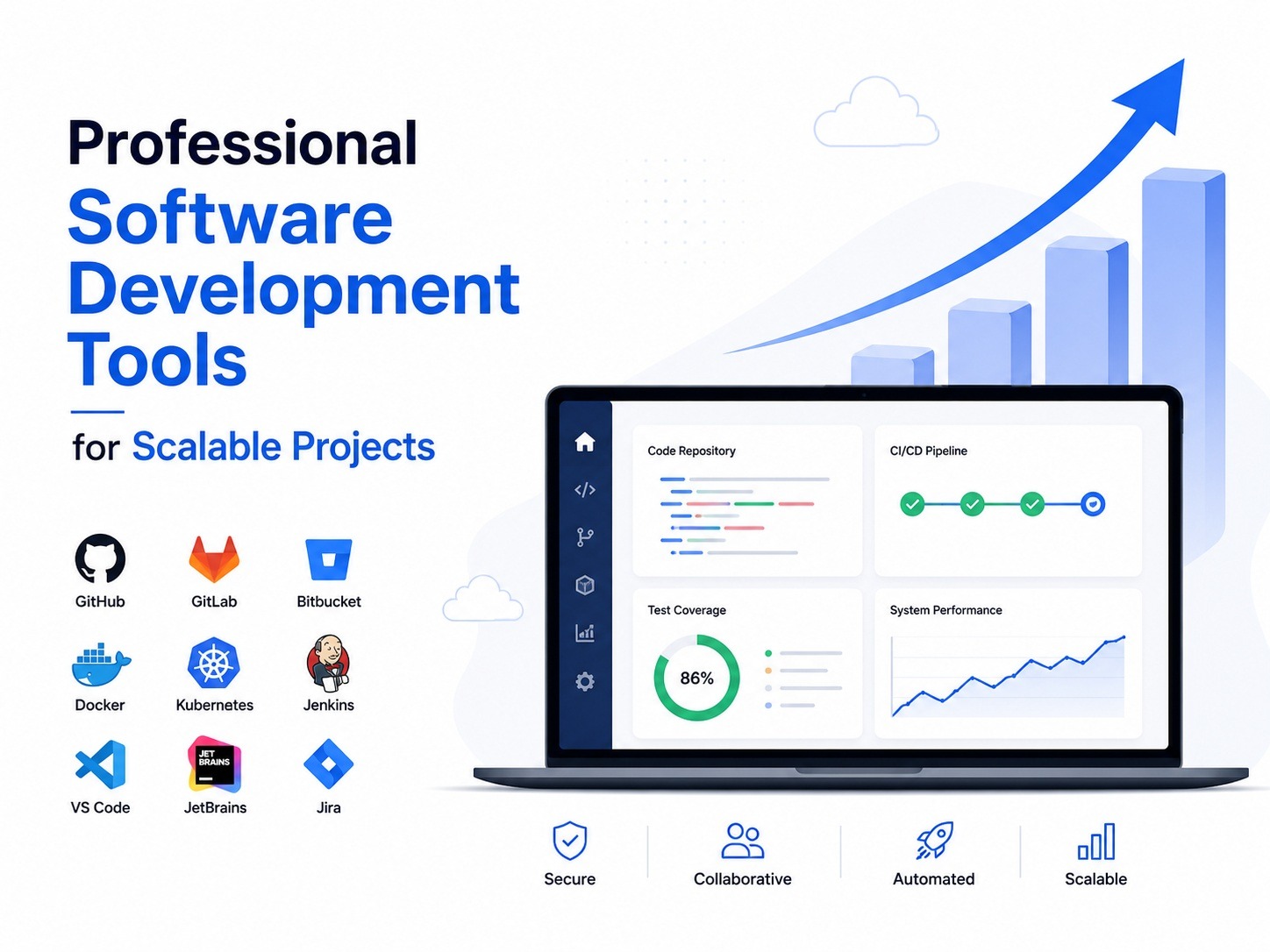
Building software that can grow alongside a business requires more than skilled developers and a good idea. As applications expand, teams face challenges related to performance, collaboration, deployment, security, and maintenance. The right software development tools help overcome these challenges by streamlining workflows, improving productivity, and ensuring projects remain scalable over time.
Whether you are managing a startup application or a large enterprise platform, choosing professional development tools can significantly impact project success.
Why Software Development Tools Matter
Software projects become increasingly complex as they evolve. More users, additional features, larger databases, and expanding development teams all introduce new challenges. Without proper tools, teams often struggle with version conflicts, deployment errors, communication gaps, and performance issues.
Professional development tools provide structure and efficiency throughout the software lifecycle. They help developers write better code, automate repetitive tasks, monitor application performance, and collaborate effectively. As a result, businesses can release updates faster while maintaining quality and reliability.
Version Control: The Foundation of Development
One of the most important tools in any software project is a version control system. Version control allows developers to track code changes, collaborate safely, and restore previous versions when necessary.
Git remains the industry standard because it supports team collaboration and provides complete visibility into project history. Platforms such as GitHub, GitLab, and Bitbucket extend Git functionality with code reviews, issue tracking, and automation features.
Without version control, managing a growing codebase becomes risky and inefficient.
Integrated Development Environments (IDEs)
Developers spend much of their day working within an IDE. A professional IDE simplifies coding by offering features such as syntax highlighting, debugging tools, code suggestions, and project management capabilities.
Popular IDEs include:
- Visual Studio Code
- IntelliJ IDEA
- Visual Studio
- PyCharm
These tools help developers identify errors early, improve code quality, and accelerate development speed. For scalable projects, productivity gains from a well-configured IDE can be substantial.
Project Management Tools for Better Collaboration
As teams grow, communication becomes increasingly important. Project management tools help keep development efforts organized and aligned with business goals.
Platforms such as Jira, ClickUp, Asana, and Monday.com allow teams to:
- Track tasks
- Manage deadlines
- Prioritize work
- Monitor project progress
- Improve team communication
A clear workflow reduces confusion and helps ensure projects stay on schedule.
CI/CD Tools for Faster Releases
Modern software development relies heavily on automation. Continuous Integration and Continuous Deployment (CI/CD) tools automate building, testing, and deploying applications.
Benefits include:
- Faster release cycles
- Reduced manual errors
- Improved code quality
- Consistent deployments
Popular CI/CD platforms include Jenkins, GitHub Actions, GitLab CI/CD, and Azure DevOps. By automating repetitive processes, development teams can focus more on innovation and less on operational tasks.
Testing Tools Improve Reliability
Scalable software must remain stable as usage increases. Testing tools help developers identify bugs before they affect users.
Different testing approaches serve different purposes:
Unit Testing
Verifies individual components work correctly.
Integration Testing
Ensures different systems communicate properly.
Performance Testing
Measures how applications behave under heavy workloads.
Security Testing
Identifies vulnerabilities that could compromise data or functionality.
Common testing tools include Selenium, Cypress, JUnit, and Postman. Regular testing significantly reduces the risk of costly failures after deployment.
Cloud Platforms Support Growth
Traditional infrastructure often struggles to keep pace with rapidly growing applications. Cloud platforms provide flexible resources that can scale based on demand.
Leading cloud providers include:
- Amazon Web Services (AWS)
- Microsoft Azure
- Google Cloud Platform (GCP)
Cloud environments allow businesses to expand resources when traffic increases and reduce costs during lower-demand periods. This flexibility makes them ideal for scalable projects.
Containerization and Deployment Tools
Maintaining consistency across development, testing, and production environments can be challenging. Containerization tools solve this problem by packaging applications and their dependencies together.
Docker has become a widely adopted solution because it ensures applications run consistently regardless of environment.
For larger deployments, Kubernetes helps manage containers across multiple servers, improving scalability, reliability, and resource utilization.
Monitoring and Performance Tools
Even well-designed applications require ongoing monitoring. As projects scale, visibility into system performance becomes critical.
Monitoring tools help teams track:
- Response times
- Error rates
- Resource usage
- Application uptime
Solutions such as Datadog, New Relic, Prometheus, and Grafana provide real-time insights that help teams identify issues before they impact users.
Proactive monitoring improves customer satisfaction and reduces downtime.
Security Tools for Long-Term Success
Security should be integrated into every stage of software development. As applications grow, they become more attractive targets for cyber threats.
Professional security tools help identify vulnerabilities, monitor dependencies, and strengthen application defenses.
Popular options include:
- SonarQube
- Snyk
- OWASP ZAP
- Burp Suite
Investing in security tools early can prevent expensive breaches and protect business reputation.
Choosing the Right Development Tools
Selecting software development tools should be based on project requirements rather than popularity alone.
Consider factors such as:
- Team size
- Technical expertise
- Budget
- Integration capabilities
- Scalability requirements
- Long-term support
The best tool is one that fits naturally into your workflow and supports future growth without adding unnecessary complexity.
Many organizations partner with experienced technology providers such as kernel tech to evaluate their development processes and implement tool ecosystems that support sustainable expansion. Businesses searching for a custom software development agency near me often prioritize partners that understand how to combine development tools, automation, cloud infrastructure, and scalable architecture into a cohesive solution.
Conclusion
Professional software development tools are essential for building scalable, reliable, and maintainable applications. From version control and project management to cloud infrastructure, testing, monitoring, and security, each tool contributes to the overall success of a project.
Organizations that invest in the right tools create stronger development workflows, reduce operational risks, and position themselves for long-term growth. As software demands continue to evolve, adopting modern development tools remains one of the most effective ways to deliver high-quality solutions that scale with business needs.